
Start with evidence from Diagnostics, Search, and Logs. Avoid turning off location blocking just to test a different provider.
Blocking does not run
- Confirm Enable location blocking is on.
- Read the sentence below Action and confirm the country list matches the intended policy.
- Test while signed out.
- Purge full-page, host, and CDN caches.
- Confirm the request appears in Validation logs.
Provider lookups fail
Use Test connection, check credentials or local database status, and run Diagnostics. Replace the key or switch provider if needed. The location toggle and country settings remain intact during a switch.
Regional rules are unavailable
The selected provider does not support the required state or region data. Country blocking continues. Connect the IP Location Block provider to restore regional precision, or keep the rule at country level.
Blocked response does not load
Use the default hosted page or a separate domain or subdomain that the plugin does not protect. Do not redirect to a protected page on the same site.
Admin access problem
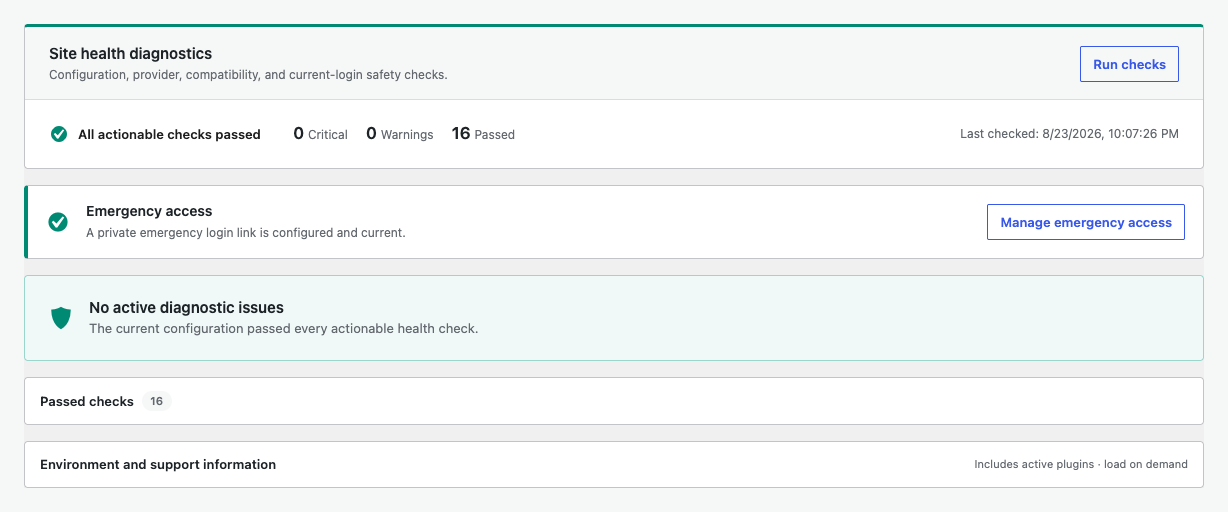
Use the private emergency access link configured in Diagnostics. After access is restored, review the country rule and admin-side targets before enabling protection again.
Prepare a support request
Include the plugin version, relevant Diagnostics results, provider name, masked Search output, and a filtered log export. Remove keys and other secrets.