
Advanced mode
Start with Simple mode
Advanced mode exposes the complete settings model. Simple and Advanced edit the same saved configuration, so you can switch views without losing settings.
Open Advanced mode
Open Settings > IP Location Block, stay on the Settings tab, and choose Advanced.
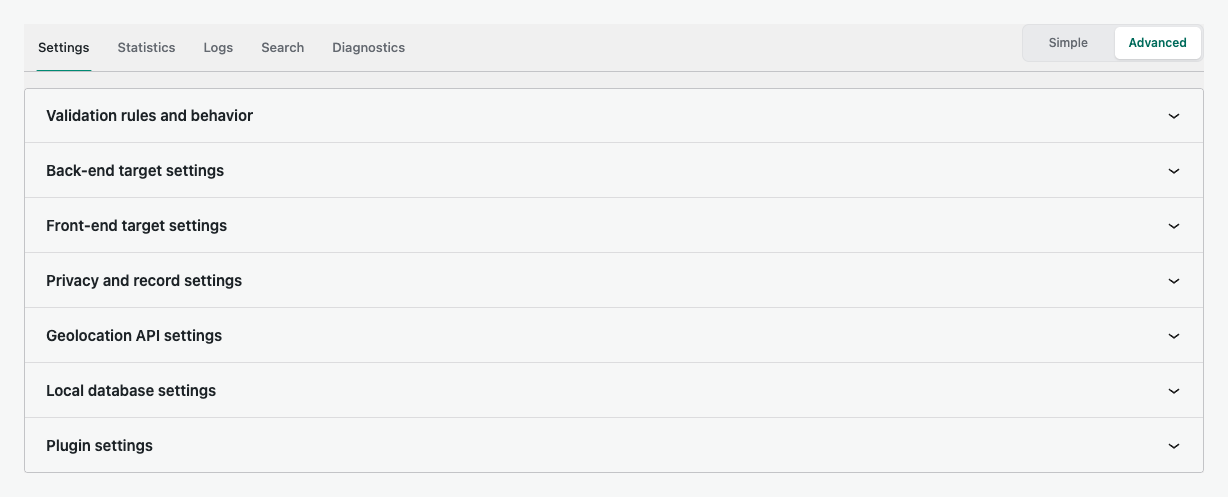
Panel guides
Validation rules and behaviorLocation matching, proxy overrides, request protection, blocked responses, and runtime behavior.Back-end targetsComments, XML-RPC, login actions, admin requests, and exceptions.Front-end targetsPublic access, matching, responses, request targeting, and bots.Privacy and recordsAnonymization, cache, logs, statistics, retention, and cleanup.Geolocation APIProvider capabilities, credentials, selection, quota, and connection actions.Local databasesAutomatic downloads, manual updates, file status, and provider limits.Plugin settingsEmergency access, settings import and export, reset, and uninstall behavior.
Understand the save model
Advanced setting changes use the shared Save Changes action. Provider test and connect actions are immediate and do not require a second save.
Make safe changes
- Change one group at a time.
- Use simulation mode before a broad production rule.
- Keep emergency access current.
- Run Diagnostics and inspect Logs after saving.