
Shared guide
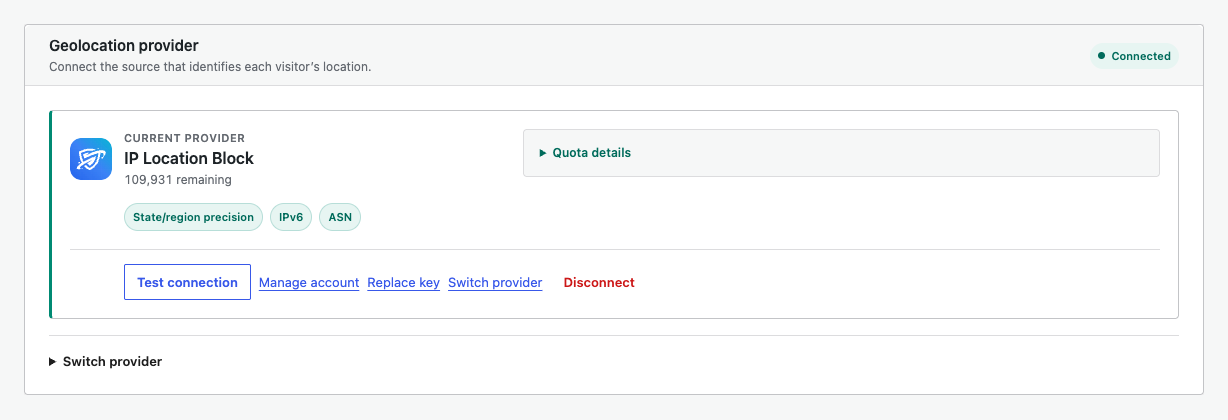
The IP Location Block provider is designed for the plugin and exposes its capabilities directly in the provider card.
What it unlocks
- State or region precision for supported administrative areas
- Frequently updated IP data
- IPv6 geolocation
- ASN and provider matching
- Managed current data without local database maintenance
- Quota details and account management from WordPress
Connect an existing key
Choose IP Location Block in the provider flow and enter the API key from your account. Select the test and connect action. The connection is applied immediately.
The free tier is a practical way to test Native Mode on a real site before moving to a larger quota.
Regional priority
When regional rules exist, this provider is prioritized for the precise lookup. Other configured providers can remain available as country-level fallback.
Quota and account
Open Quota details to inspect the plan and balance. Use Manage account to open the portal, and Replace key when credentials change.