
Bot rules control crawler behavior separately from visitor location rules. Open Advanced > Front-end target settings > Bot protection.
Start with maintained presets
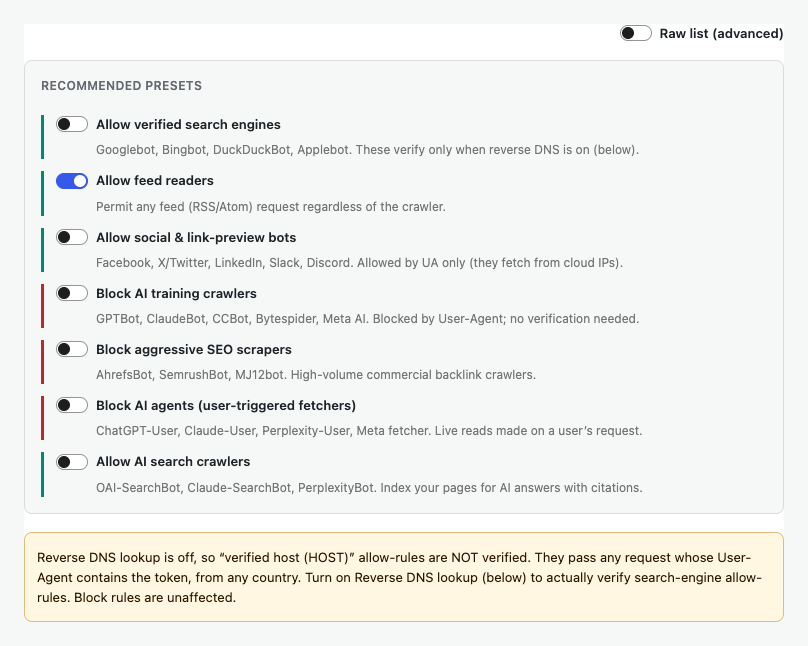
Choose the behaviors your site needs, such as allowing verified search engines, blocking AI training crawlers, or blocking aggressive SEO scrapers.
Understand allow and block rules
Block rules can match a User-Agent token directly. Search-engine allow rules should use verified host checks so a visitor cannot pass by copying a crawler name.
Reverse DNS verification
Turn on Reverse DNS lookup when HOST allow rules must verify search engines. Without it, those allow rules pass on the User-Agent token alone.
Test a User-Agent
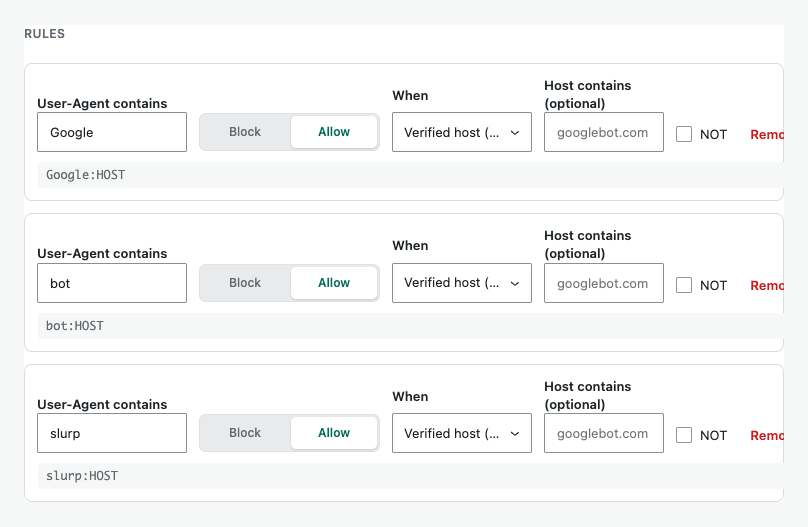
Paste a complete User-Agent into the tester to see which saved rule matches and whether the result is allow or block. This preview does not make a live request.

Save and monitor
Save Changes, then use Validation logs to confirm crawler decisions. Review the rules periodically because crawler names and desired policies change.