
Shared guide
The Search tab performs a lookup without changing your blocking rules. Use it to validate provider output and exact administrative-area spelling.
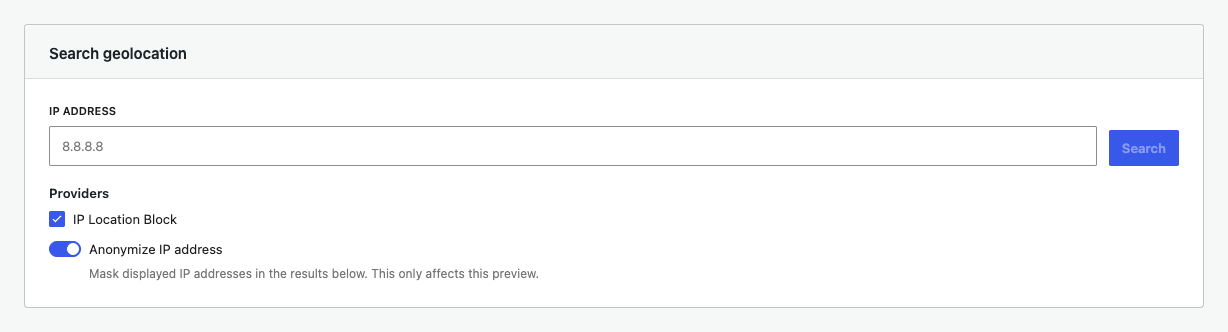
Run a search
- Enter a public IP address.
- Select one or more connected providers.
- Keep anonymization on when sharing a result.
- Select Search.
Verify a regional rule
Read the returned state or region value and use that exact spelling in a Regional rules row. Different providers can label the same administrative area differently.
Compare providers
When multiple providers are selected, compare country, state or region, ASN, and response time. A difference explains why a rule may behave differently after a provider switch.
Search is not a request test
Search confirms geolocation data, not the entire target and cache path. Use a signed-out browser request and Validation logs to confirm the final blocking decision.