
Shared guide
The Current provider card keeps connection health and provider actions together.
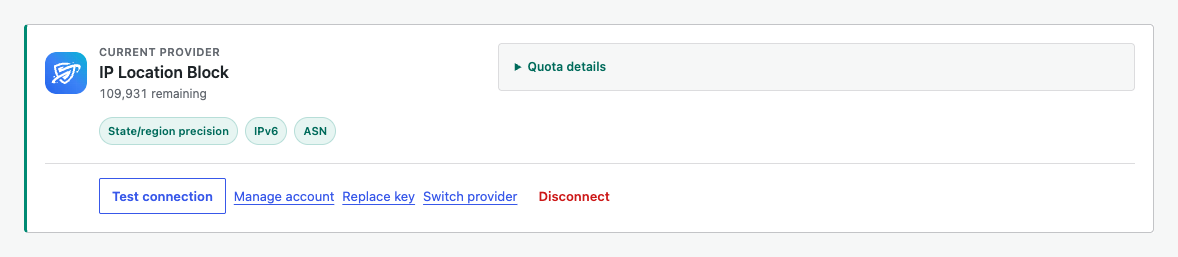
Test connection
Use Test connection after setup or when lookups fail. The test runs and stores its result immediately.
Replace credentials
Select Replace key when an API key is rotated. Confirm the new key with the test and connect action before leaving the card.
Switch provider
Select Switch provider, then choose another source. The main location toggle and country list remain unchanged. Unsupported precision controls are unavailable with a warning, but country blocking continues.
Disconnect provider
Select Disconnect and confirm the prompt to remove the current provider connection. Your location rule settings remain saved, ready for the next provider.