
Simple view lets you redirect blocked visitors or show a message directly.
Default hosted page
New setups redirect to https://geoblocked.im/. This page is hosted separately by IP Location Block, so it remains reachable when your own site is protected. Since version 1.4.2, sites that still used the previous default, https://blocked.iplocationblock.com/, are moved to it automatically; a custom redirect URL is never changed.
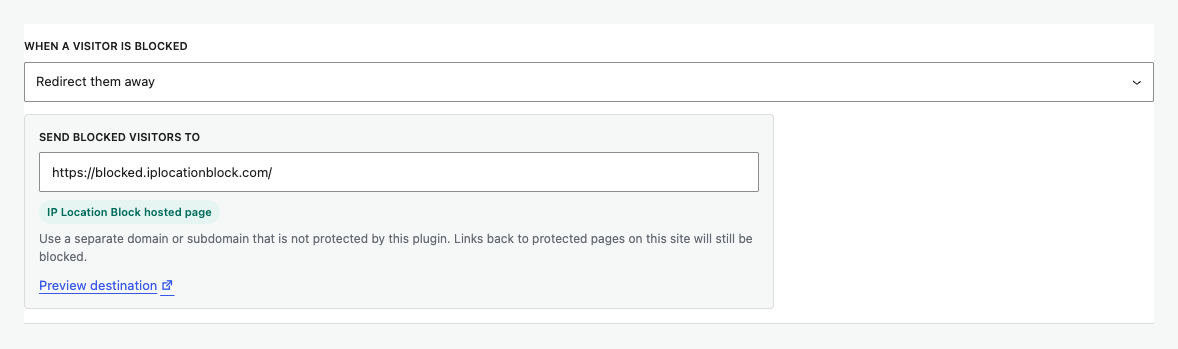
Use your own destination
A custom destination must be on a separate domain or subdomain that this plugin does not protect. A page on the protected site can be blocked by the same rule and cause a redirect loop or an inaccessible result.
Links back to protected pages will still be blocked. Keep important instructions, contact details, and recovery information on the unprotected destination itself.
Show a message
Choose Show a “blocked” message when you want WordPress to return the response directly. Advanced view provides response code and message controls.
Preview and test
Use Preview destination before saving. Then test the real rule while signed out and from a location that should be blocked.