
The provider supplies the location data used by your rules. Connecting or testing a provider is immediate, so there is no second Save Changes step.
Choose a provider
- Open Settings > IP Location Block and choose Simple.
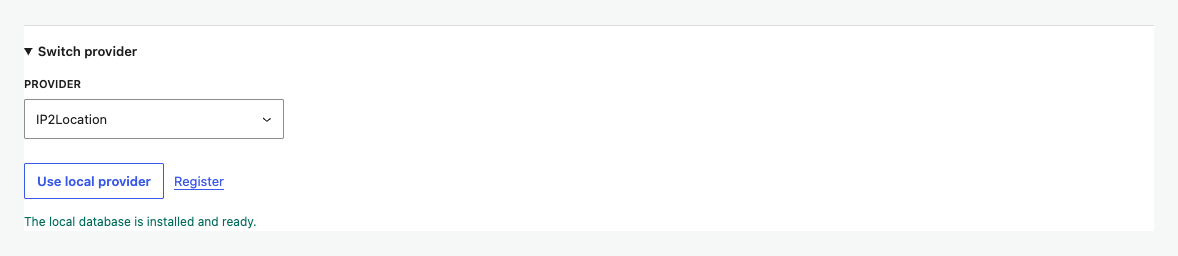
- Open Switch provider.
- Select a provider and enter any requested key or local database information.
- Use the connect or local-provider action shown for that provider.
Need state or region rules? IP Location Block provides state or region precision, IPv6 support, and ASN data from one provider. Existing customers can connect their API key directly.
Test the connection
After connecting, select Test connection. A successful test confirms that the plugin can reach the provider and that the credentials are accepted. The result is stored immediately.
Understand provider capabilities
Capability badges show whether the current provider supports state or region precision, IPv6, and ASN. Country rules remain available with every provider.
Disconnect or replace
Use Replace key to update credentials, Switch provider to use a different source, or Disconnect to remove the current connection. Switching providers does not turn off location blocking or remove your country list.